Pump.fun WebSocket New-Token Stream: Real-Time Launches
It's 4 am and you're smashing the refresh button trying to get in on new tokens as soon as they launch. Wouldn't it be better to have a bot that hands you pump.fun token addresses the moment they're created?
On this page +
It's 4 am and you're smashing the refresh button trying to get in on new tokens as soon as they launch. Wouldn't it be better to have a bot that hands you pump.fun token addresses the moment they're created? That's exactly what we're building today: a small Python script that streams newly launched tokens in real time.

What Do I Need To Start?
- Python installed (any version is fine, but if you're still on < 2.x, seriously, why? Upgrade to 3.x+)
- 10 minutes (probably just 5 if you're into speedrunning).
What We're Building with a Pump.fun WebSocket
We're going to build a Python app that listens to pump.fun for any tokens that just got created and prints them to the console. Before we get started, let's get you a free-forever API key.
Registering An Account
Head over to nolimitnodes.com and click on Start Building to get an account.
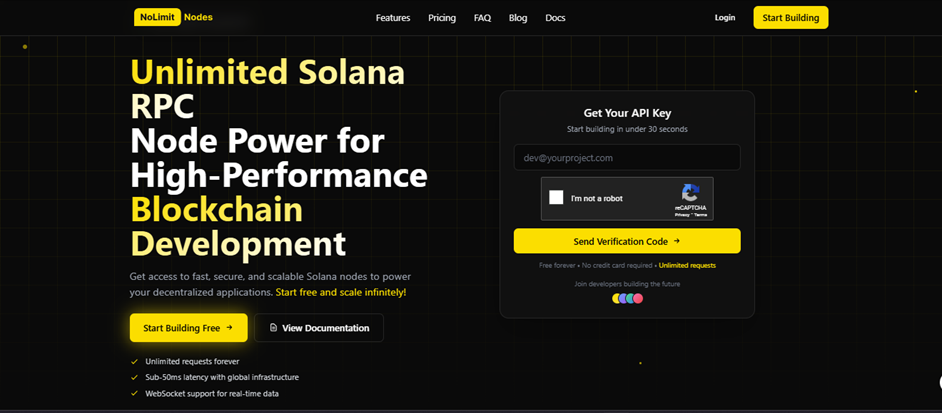
Once you have registered, click on the Get button to get your free API key.
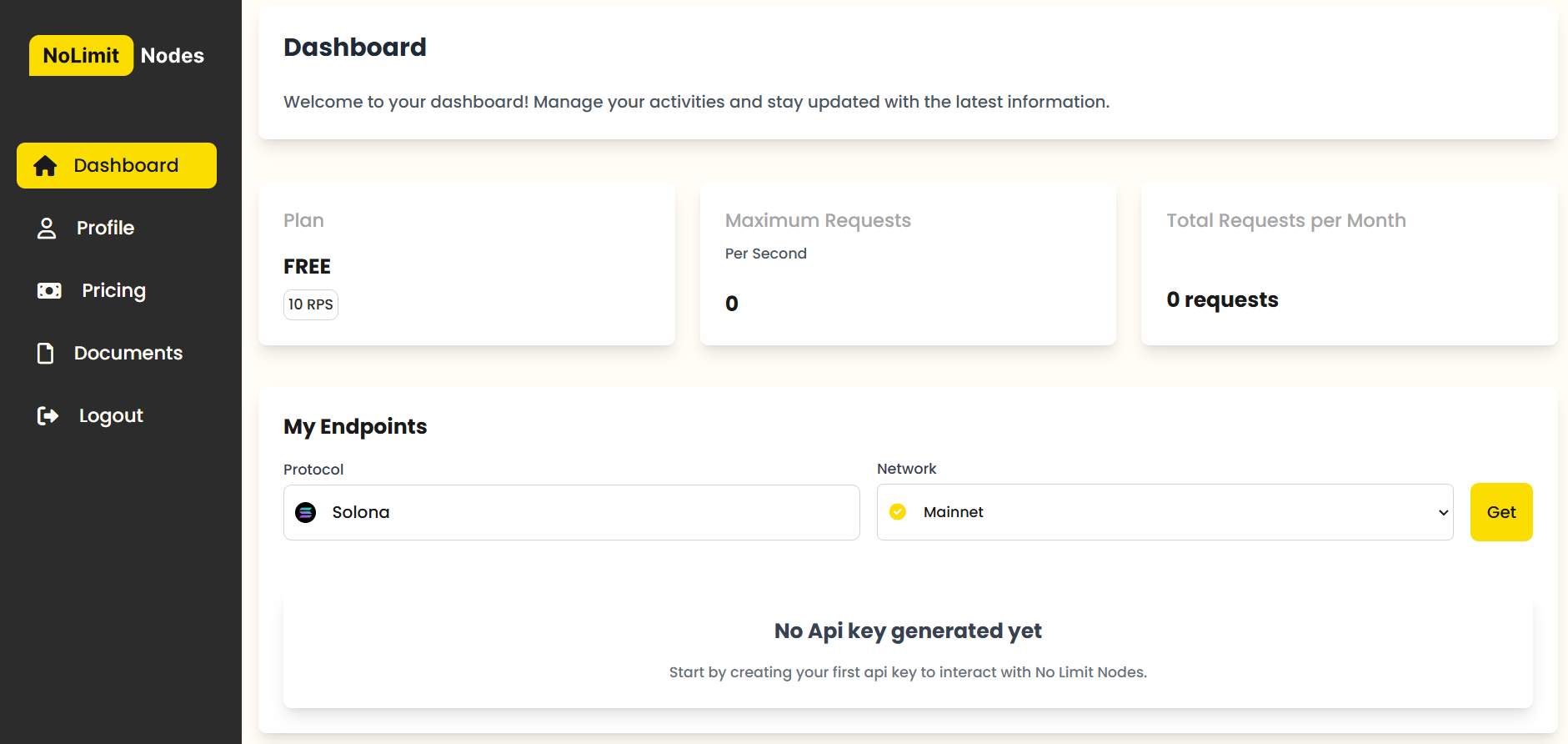
You should then see your generated API key.
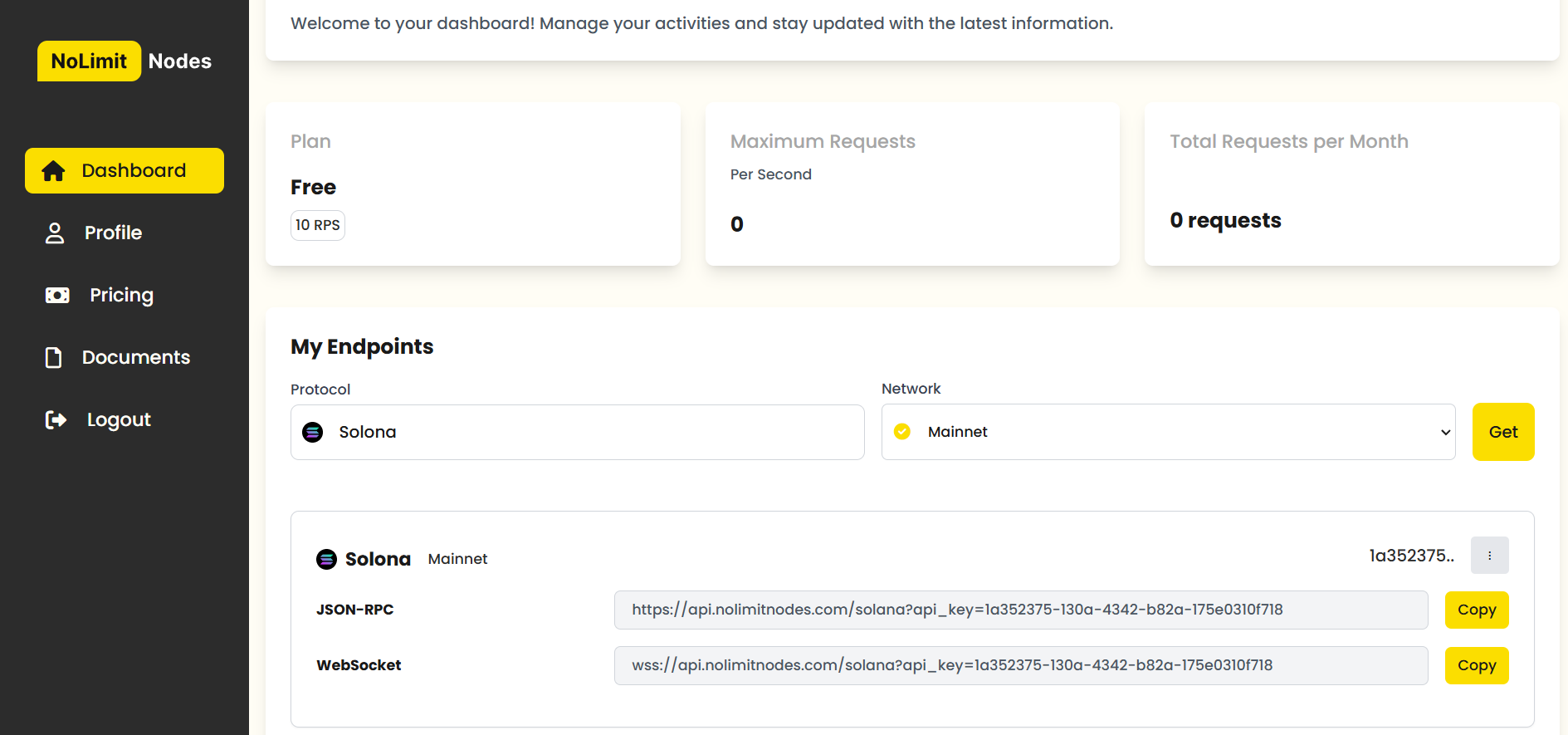
Click copy and take a note of your API key. You'll need it for the rest of this tutorial.
Understanding Pump.fun WebSocket Events
Before we get our hands dirty, let's talk about what the WebSocket request and response look like.
We'll start by establishing a WebSocket connection with wss://api.nolimitnodes.com/pump-fun?api_key=YOUR_API_KEY
Once we have the socket connection open, we're going to send this request:
{
    "method": "pumpFunCreateEventSubscribe",
    "params": {
        "eventType": "coin",
        "referenceId": "litrally-anything-here-to-use-as-reference"
    }
}
Once we send this in, we'll get a confirmation that the subscription request succeeded, like this:
{
    "status": "Create Event Subscribed",
    "subscription_id": "9c37a3e8-d39b-497c-902d-162e19a0bcda",
    "reference_id": "litrally-anything-here-to-use-as-reference"
}
After the confirmation message, we'll keep getting a real-time stream of coins as they get created. Coin creation events come back in this format:
{
  "method": "createEventNotification",
  "result": {
    "metadata": {
      "network": "solana",
      "chain": "mainnet-beta",
      "block": "308709941"
    },
    "timestamp": "1734713628",
    "name": "TRUMPCOIN",
    "symbol": "TRUMPCOIN",
    "uri": "https://ipfs.io/ipfs/QmSSme2anrzV4NWrofS3uzXTq9B1L5Jxy54FgvPcrAsrhe",
    "mint": "CWVtv9SQMVibEqzFBLy5FZdLhozzZzRDBbX9HGnypump",
    "bondingCurve": "HZzaNo92zpqqyTb3pBr5P9fAJ7GT9xnSAxygWLbgUV7X",
    "associatedBondingCurve": "BnNAk9AtBvQS3vmv9UpkEoAqPAC96PMUig9HtMdJescU",
    "creator_wallet": {
      "address": "91U3uKcD2EuC7eW8bbBtC7ftwrNpmgGmJQFpgBZbaBAB"
    },
    "event_type": "create_coin"
  },
  "subscription_id": "litrally-anything-here-to-use-as-reference"
}
There's a ton of valuable information in this message. Let me break it down for you.
block- The block number when this token was created.timestamp- The unix timestamp when this token was created.name- The token name.symbol- The token's ticker.uri- The token's metadata, like the token image.mint- The token's address.bondingCurve- That's the account that sells/buys from you when you try to buy/sell.associatedBondingCurve- That's the token account the bondingCurve uses to store the tokens for this specific token.address- That's the wallet address of the degen who launched the token.
That's everything you need to know about the format. Let's get coding.

Building a Pump.fun WebSocket Token Stream
Fire up your favourite IDE (I use PyCharm) and create a new script called token_creation_watcher.py.
Start by importing websocket and json.
import websocket
import json
Let's set up the WebSocket connection next (don't forget to replace YOUR_API_KEY with your actual API key).
import websocket
import json

socket_url = "wss://api.nolimitnodes.com/pump-fun?api_key=YOUR_API_KEY"

ws = websocket.WebSocketApp(
  socket_url,
  on_open=on_open, # we havent defined this method just yet.
  on_message=on_message, # we havent defined this method just yet.
  on_close=on_close, # we havent defined this method just yet.
  on_error=on_error # we havent defined this method just yet.
)
ws.run_forever()
This is all it takes to establish a WebSocket connection. Now let's send a subscription message to start getting a stream of newly created tokens.
import websocket
import json

def on_open(ws):
    subscribe_message = {
        "method": "pumpFunTradeSubscribe",
        "params": {
            "coinAddress": "all",
            "referenceId": "1"
        }
    }
    ws.send(json.dumps(subscribe_message))

socket_url = "wss://api.nolimitnodes.com/pump-fun?api_key=YOUR_API_KEY"

ws = websocket.WebSocketApp(
  socket_url,
  on_open=on_open,
  on_message=on_message,
  on_close=on_close,
  on_error=on_error
)
ws.run_forever()
Next, let's create the on_message method to receive the coin creation events.
import websocket
import json

def on_open(ws):
    subscribe_message = {
        "method": "pumpFunTradeSubscribe",
        "params": {
            "coinAddress": "all",
            "referenceId": "1"
        }
    }
    ws.send(json.dumps(subscribe_message))

def on_message(ws, message):
    print("Received data:", json.loads(message))

socket_url = "wss://api.nolimitnodes.com/pump-fun?api_key=YOUR_API_KEY"

ws = websocket.WebSocketApp(
  socket_url,
  on_open=on_open,
  on_message=on_message,
  on_close=on_close,
  on_error=on_error
)
ws.run_forever()
To finish up, we'll also add the on_close and on_error methods to gracefully handle disconnects and errors. For this tutorial, we'll just print them.
import websocket
import json

def on_open(ws):
    subscribe_message = {
        "method": "pumpFunTradeSubscribe",
        "params": {
            "coinAddress": "all",
            "referenceId": "1"
        }
    }
    ws.send(json.dumps(subscribe_message))

def on_message(ws, message):
    print("Received data:", json.loads(message))

def on_close(ws, close_status_code, close_msg):
    print("Disconnected from WebSocket")

def on_error(ws, error):
    print("WebSocket error:", error)

socket_url = "wss://api.nolimitnodes.com/pump-fun?api_key=YOUR_API_KEY"

ws = websocket.WebSocketApp(
  socket_url,
  on_open=on_open,
  on_message=on_message,
  on_close=on_close,
  on_error=on_error
)
ws.run_forever()
That's it. You're done.
If you want to check out the other pump.fun APIs, head over to https://nolimitnodes.com/blog/pump-fun-websocket-build-a-real-time-crypto-trading-bot-with-nolimitnodes-price-data/
If you're stuck anywhere or need general consulting on anything crypto related, I'm happy to help. You can email me at [email protected]. I usually check my email once a day.
- Cheers
Standard Solana subscriptions for account, program, slot, and transaction updates.
Decoded swaps, token lifecycle events, transfers, and system feeds.
Decoded Pump.fun launches, trades, graduations, and lifecycle events.
Every benchmark in this blog runs against our public endpoints.
Spin up an RPC, WebSocket, or gRPC endpoint in under a minute. Flat pricing, no request caps. Reproduce the numbers for your own workload.