Pump.Fun WebSocket: Build a Real-Time Crypto Trading Bot with NoLimitNodes Price Data
This tutorial shows you how to stream live pump.fun trade and token-creation data over a WebSocket from NoLimitNodes, with working JavaScript and Python examples.
On this page +
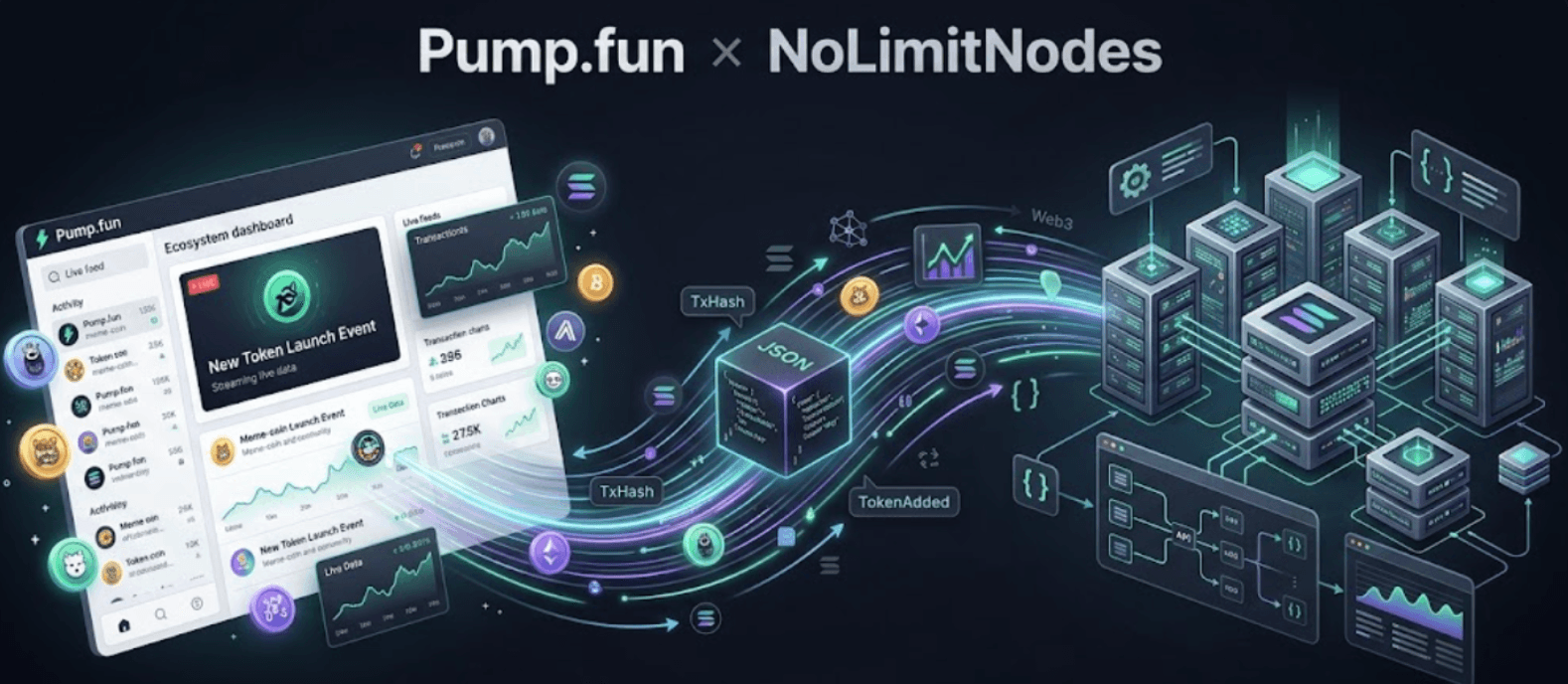
This tutorial shows you how to stream live pump.fun trade and token-creation data over a WebSocket from NoLimitNodes, with working JavaScript and Python examples. If you're building a trading bot, you can have real price data flowing in about ten minutes.
A Quick History (skip this if you're in a hurry)
Getting access to rich pump.fun data is harder than it should be. I wanted to grab pump.fun data and get some bots going, and I spent hours looking for something affordable that would let me get straight to writing trading logic. I found nothing usable.
So I bit the bullet and parsed Solana's raw block data myself. Thousands of lines of code later, I had something reliable and stable enough that I could stop worrying about the pump.fun infrastructure layer and focus on the bot itself.
I shared that code with my team at NoLimitNodes.com and we productized it, so bot builders like you don't have to go through the same grind. You get to skip straight to the part you do best: building the bot.

So what do we have?
You're probably asking, "So what kind of data do you actually have?" Everything useful that pump.fun emits on the blockchain, delivered in a human-readable format. That last part matters more than it sounds.

You get real-time access to:
- Every token the moment it gets created on pump.fun (useful if you want to be among the very first into a coin as it launches)
- Every buy/sell transaction along with price data, for a single token (when you only care about one coin) or for all tokens at once
- Token information as soon as it graduates to Raydium
In short, anything your bot could reasonably need is covered.
Let's start coding by first getting you a 100% free NoLimitNodes API key.
Registering An Account
Head over to nolimitnodes.com and click Sign up to create an account.
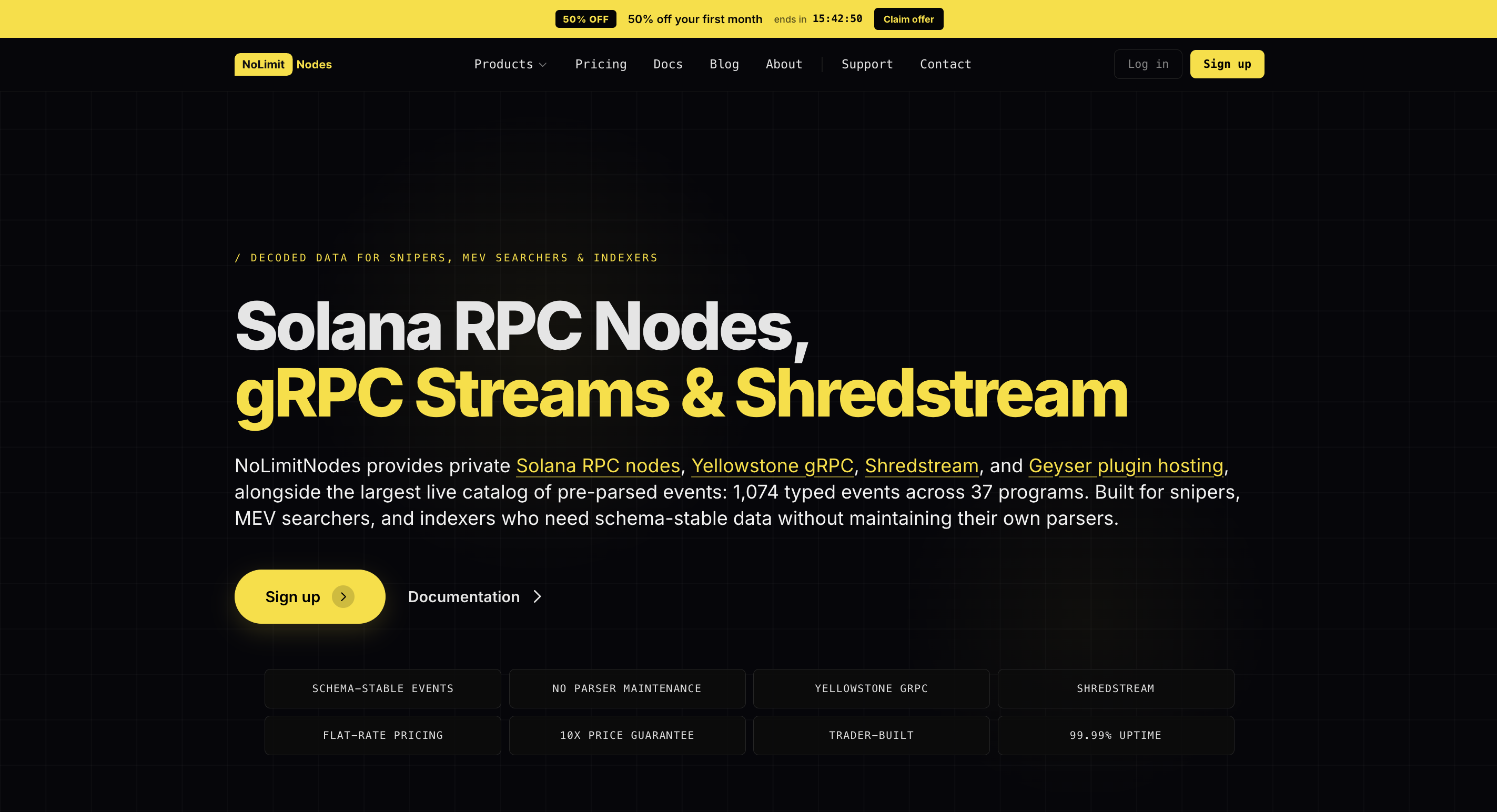
Once you've registered, click the Get button to claim your free API key.
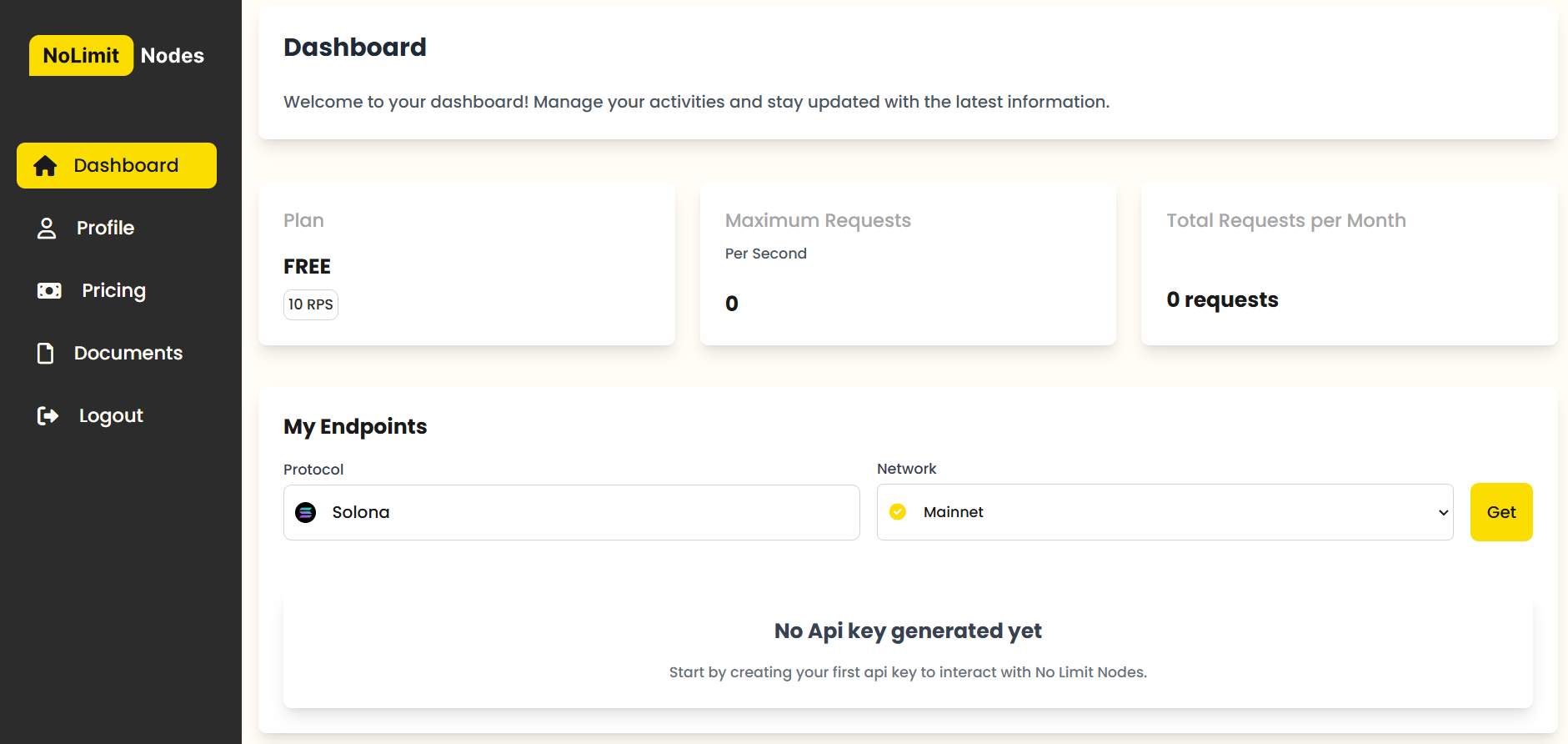
You should then see your generated key.
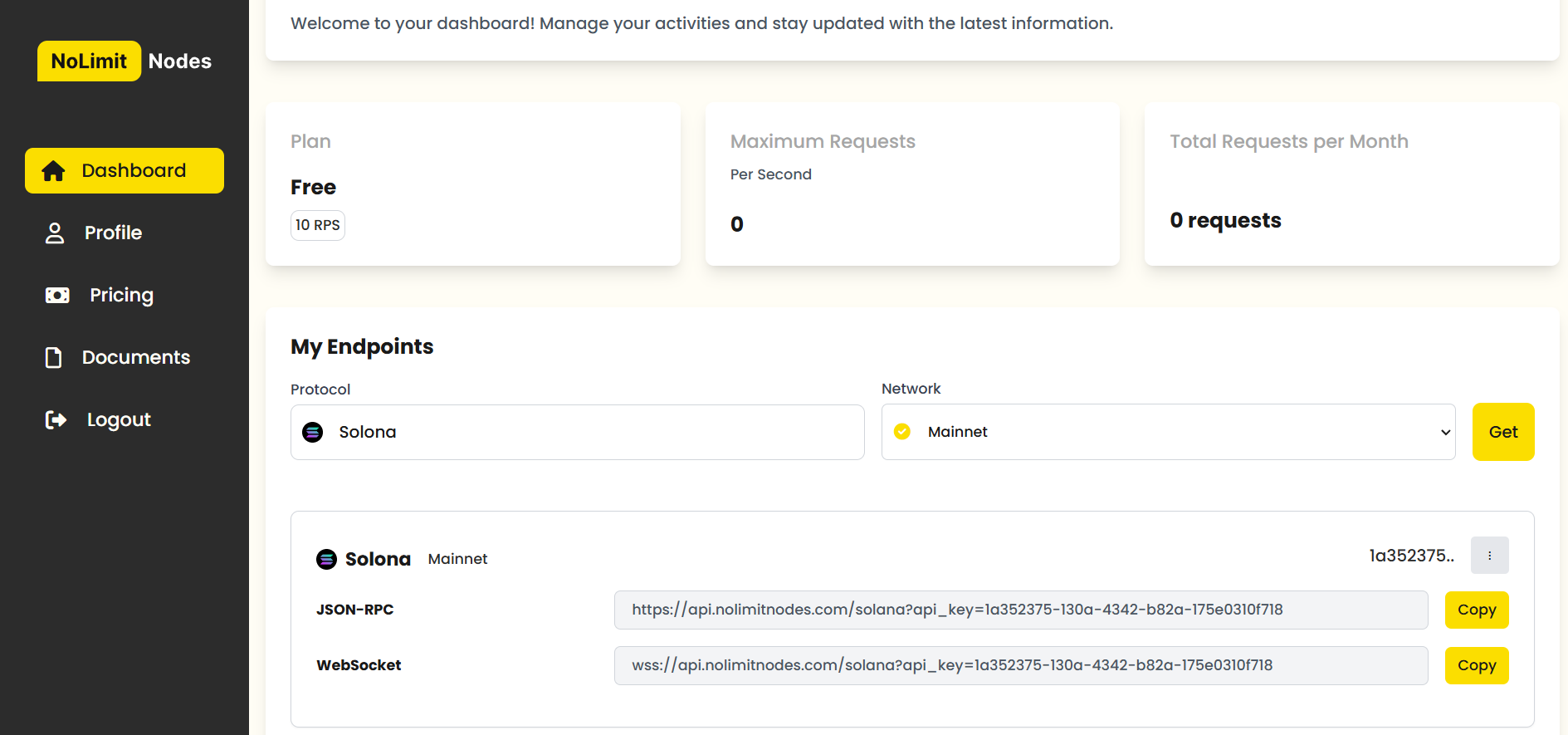
Copy it and keep it handy. You'll need it for the rest of this tutorial.
Pump.fun WebSocket Endpoint
wss://api.nolimitnodes.com/pump-fun?api_key=YOUR_API_KEY
The NoLimitNodes Pump.fun WebSocket endpoint provides real-time Pump.fun event streams over a persistent WebSocket connection.
Replace YOUR_API_KEY with your own key.
How To Actually Use It
1. Listening to Trade (Buy/Sell) Transactions
Subscribe:
To subscribe to trade transactions for a specific coin:
{
    "method": "pumpFunTradeSubscribe",
    "params": {
        "coinAddress": "abcxxx...pump",
        "referenceId": "REF#1"
    }
}
To do the same for all coins:
{
    "method": "pumpFunTradeSubscribe",
    "params": {
        "coinAddress": "all",
        "referenceId": "REF#1"
    }
}
Note: The referenceId is just a string you choose; it's echoed back so you can match responses to the requests that triggered them.
Response:
{
  "status": "Trade Subscribed",
  "subscription_id": "9d4a3756-f3de-464d-ae05-c36297984f90",
  "reference_id": "REF#1"
}
Unsubscribe:
To stop receiving trade transactions for a specific coin or all coins:
{
    "method": "pumpFunTradeUnsubscribe",
    "params": {
        "subscriptionId": "9d4a3756-f3de-464d-ae05-c36297984f90"
    }
}
Response:
{
  "status": "Trade Event Unsubscribed",
  "subscription_id": "9d4a3756-f3de-464d-ae05-c36297984f90"
}
2. Listening to Create Events Transactions
Subscribe:
To subscribe to create events for coins or LPs:
{
    "method": "pumpFunCreateEventSubscribe",
    "params": {
        "eventType": "coin" // or "lp" or "all",
        "referenceId": "REF#1"
    }
}
Response:
{
    "status": "Create Event Subscribed",
    "subscription_id": "9c37a3e8-d39b-497c-902d-162e19a0bcda",
    "reference_id": "REF#1"
}
Note: Same deal as before: referenceId is an arbitrary string used to correlate requests with their responses.
Unsubscribe:
To stop receiving create events for coins or LPs:
{
    "method": "pumpFunCreateEventUnsubscribe",
    "params": {
        "subscriptionId": "9c37a3e8-d39b-497c-902d-162e19a0bcda",
    }
}
Response:
{
    "status": "Create Event Unsubscribed",
    "subscription_id": "9c37a3e8-d39b-497c-902d-162e19a0bcda"
}
Example Integration Code
JavaScript Implementation
Here's a working integration in JavaScript:
const WebSocket = require('ws');

const socket = new WebSocket('wss://api.nolimitnodes.com/pump-fun?api_key=YOUR_API_KEY');

socket.on('open', () => {
    console.log('Connected to pump.fun WebSocket');

    // Subscribe to trade transactions for all coins
    const subscribeMessage = {
        method: "pumpFunTradeSubscribe",
        params: {
            coinAddress: "all",
            referenceId: "REF#1"
        }
    };

    socket.send(JSON.stringify(subscribeMessage));
});

socket.on('message', (data) => {
    console.log('Received data:', JSON.parse(data));
});

socket.on('close', () => {
    console.log('Disconnected from WebSocket');
});

socket.on('error', (error) => {
    console.error('WebSocket error:', error);
});
Python Implementation
And the same thing in Python:
import websocket
import json

def on_open(ws):
    print("Connected to pump.fun WebSocket")

    # Subscribe to trade transactions for all coins
    subscribe_message = {
        "method": "pumpFunTradeSubscribe",
        "params": {
            "coinAddress": "all",
            "referenceId": "REF#1"
        }
    }
    ws.send(json.dumps(subscribe_message))

def on_message(ws, message):
    print("Received data:", json.loads(message))

def on_close(ws, close_status_code, close_msg):
    print("Disconnected from WebSocket")

def on_error(ws, error):
    print("WebSocket error:", error)

socket_url = "wss://api.nolimitnodes.com/pump-fun?api_key=YOUR_API_KEY"

ws = websocket.WebSocketApp(socket_url,
                            on_open=on_open,
                            on_message=on_message,
                            on_close=on_close,
                            on_error=on_error)
ws.run_forever()
Key Notes
- Dynamic Coin Selection: Replace
abcxxx...pumpwith the coin address you want to monitor, or pass"all"to listen to every coin. - Event Type Options:
- For trade transactions, use
pumpFunTradeSubscribeorpumpFunTradeUnsubscribe. - For create events, use
pumpFunCreateEventSubscribeorpumpFunCreateEventUnsubscribe.
- For trade transactions, use
- Real-Time Updates: Events arrive over the open socket as they happen; there's no polling involved.
Conclusion
Continue with the supporting Pump.fun WebSocket trading bot guide, new-token stream tutorial, and drawdown trading bot strategy.
The pump.fun WebSocket endpoint from nolimitnodes.com gives you a direct line to trade and create events without parsing raw block data yourself.
You now have the endpoint, the subscription formats, and example code in two languages. Wire the stream into your trading logic and you're running on live data.
Standard Solana subscriptions for account, program, slot, and transaction updates.
Decoded swaps, token lifecycle events, transfers, and system feeds.
Decoded Pump.fun launches, trades, graduations, and lifecycle events.
Every benchmark in this blog runs against our public endpoints.
Spin up an RPC, WebSocket, or gRPC endpoint in under a minute. Flat pricing, no request caps. Reproduce the numbers for your own workload.